
How to Share a Flight With Family and Friends
The useful details to share, when to send them, and how a shared flight link can make airport pickup easier for everyone.
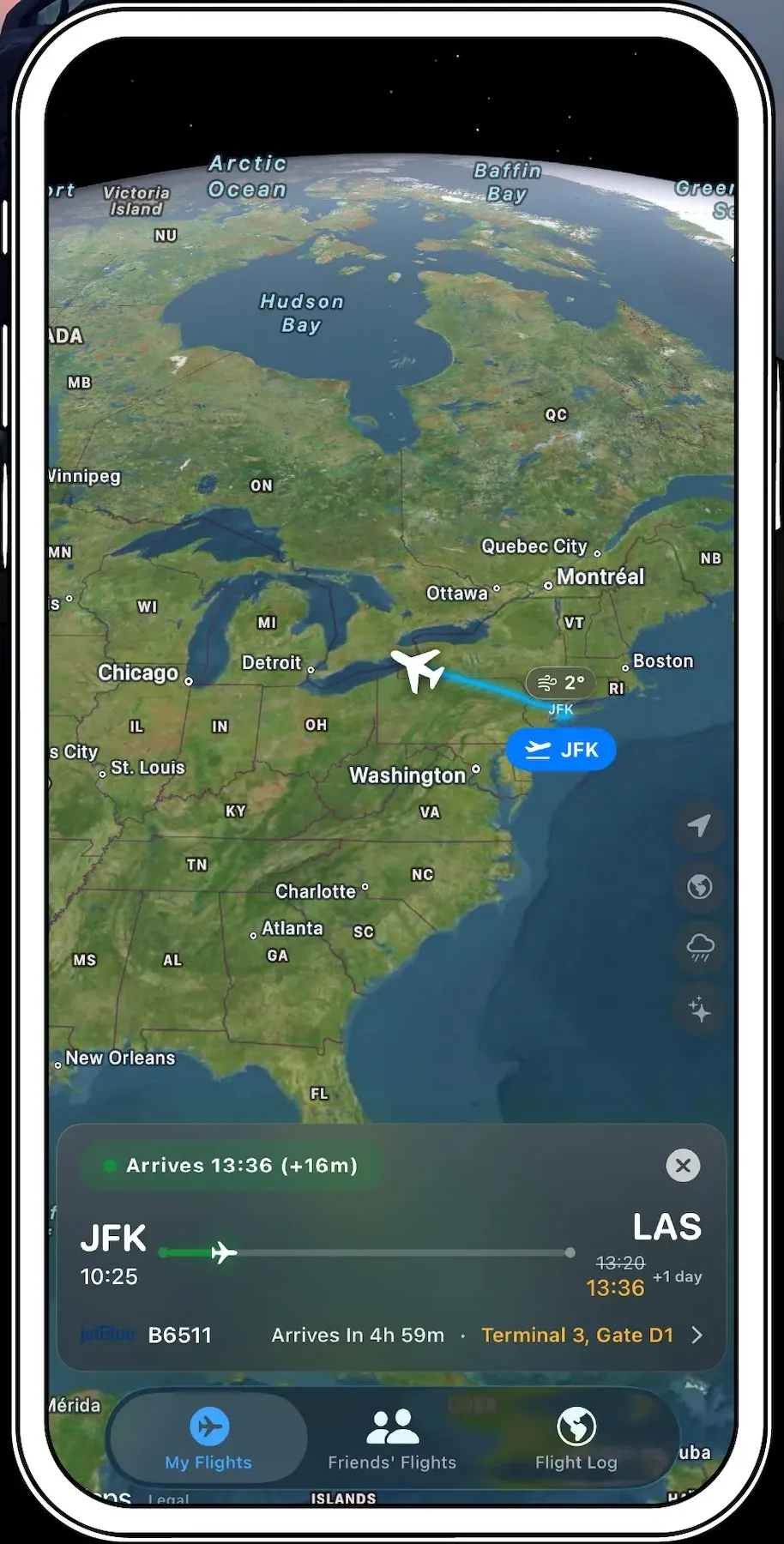
A practical guide: Flight and airport conditions change. Confirm operational details with your airline and airport.
Share the date and route, not just a number
A useful share includes the airline, flight number, date, origin, and destination. The date matters because the same flight number can operate every day.
Send it before the busy part
Share before boarding, while you still have time and a reliable connection. Tell the recipient whether they are following arrival, arranging pickup, or simply checking that you landed safely.
Send a link instead of screenshots
Share a link to the flight details. The person waiting opens True Skies for live tracking, which saves you sending a new screenshot after every gate or timing change.
Keep pickup plans grounded
Arrival time is not the same as curbside pickup time. Allow for taxiing, reaching the gate, baggage claim, and walking through the terminal before choosing where and when to meet.